
If you would like to receive notices about RCR training opportunities as soon as sessions are open for registration, you may sign up for the RCR Training Distribution List in Microsoft Office. You will only receive email notices from this list once or twice each month.
Step 1: Go to the Distribution Group Portal.
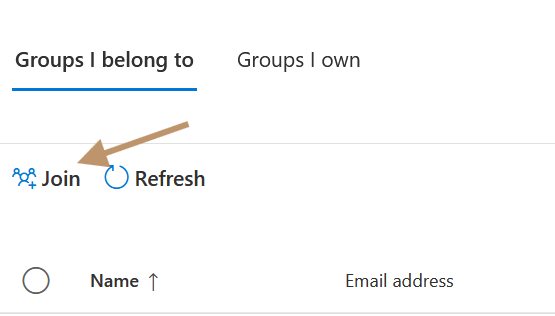
Step 2: Under Groups I Belong to, select "Join":
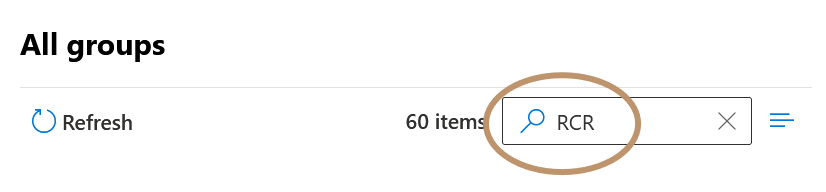
Step 3: Type "RCR" in the resulting Search Box:
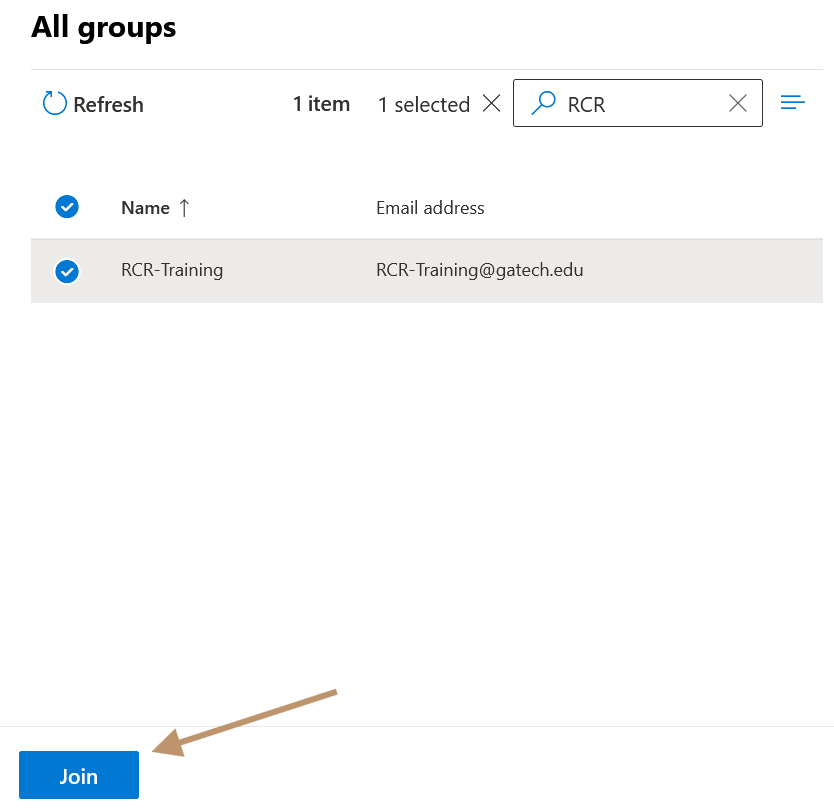
Step 4: Press the <ENTER> key, select the radio button next to "RCR-Training", then Select "JOIN":
You may unsubscribe from this list using the same Portal Link. Under "Groups I Belong To", select the RCR-Training radio button, then select "Leave Group".